Topic tags
In this article, we'll cover:
- What are topic tags
- Adding topic tags to articles
What are topic tags
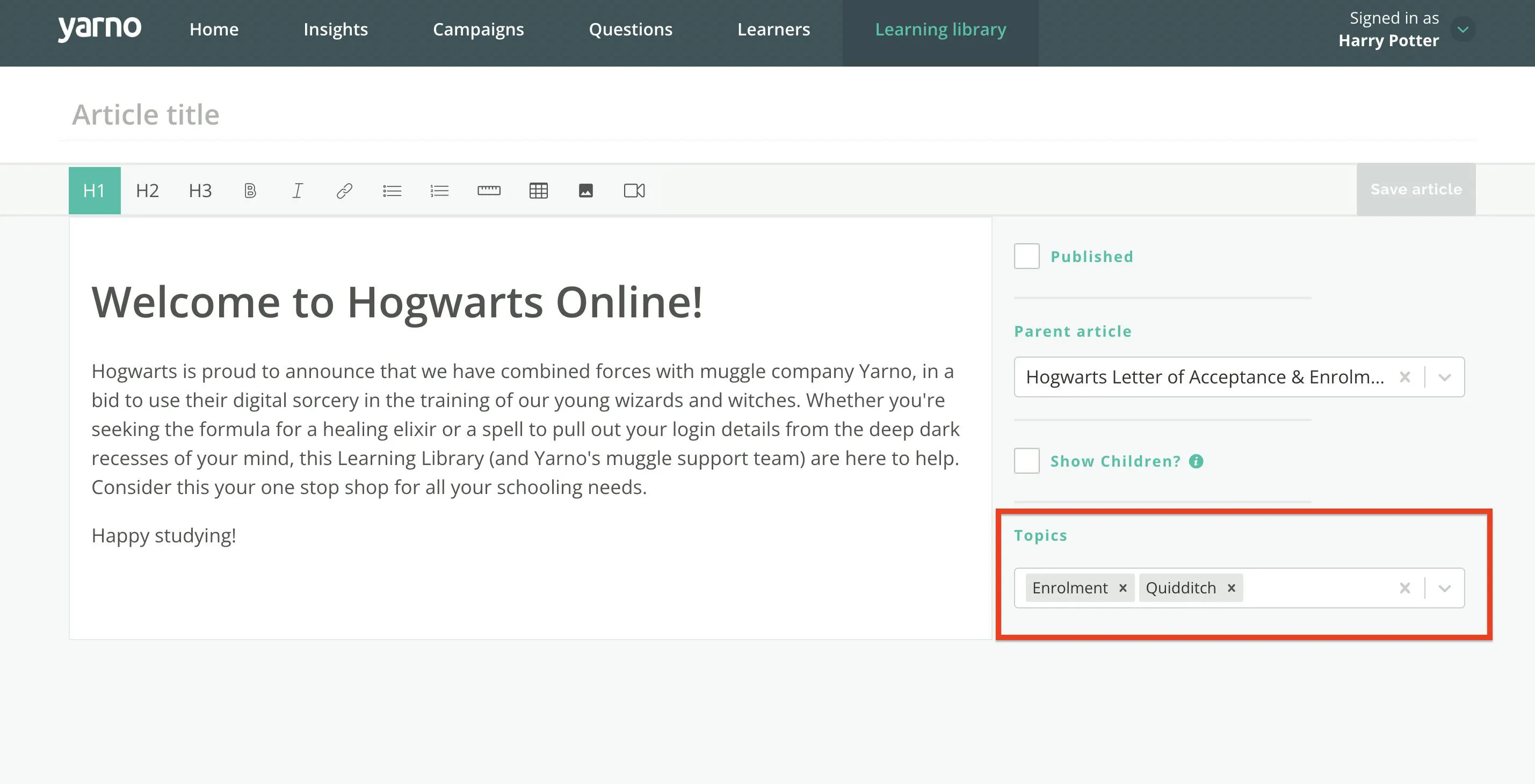
Topic tags are searchable keywords that you can attach to your Learning Library articles.
When creating a new article, we recommend attaching topic tags to each one in order to make sure they can be easily accessible in future. These topic tag can be typed into the Learning Library search bar to assist in recovering articles attached to these topic tags.
You can attach multiple topic tags to articles according to cross-category relevance.
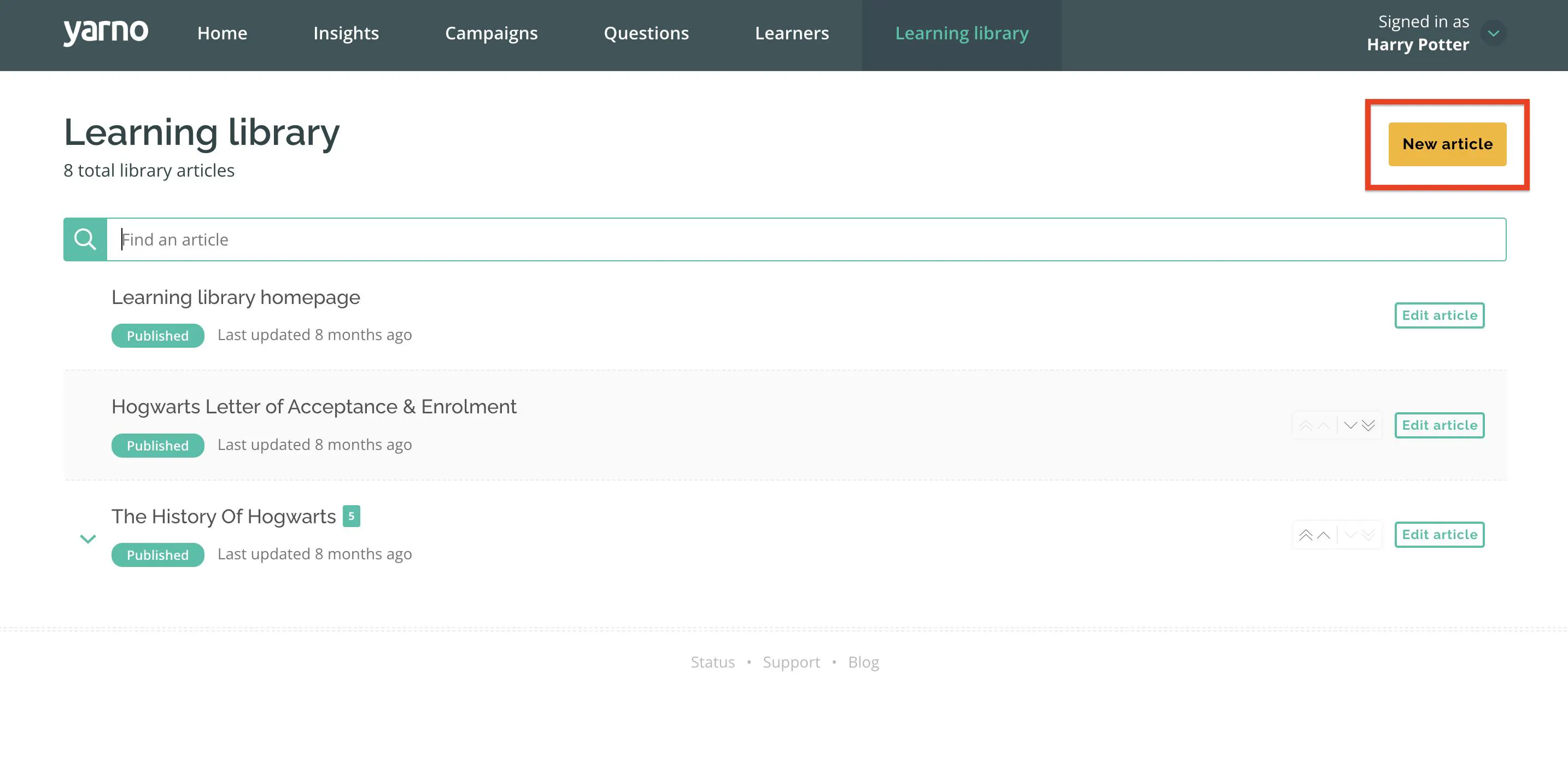
Adding topic tags to articles
Step 1: Before publishing your Learning Library Article, type in a relevant topic tag under "TOPICS" then press enter. The topic will then be created but can be removed by clicking the "X" in the text bar.
Step 2: Click "UPDATE ARTICLE" to confirm your changes.