Providing question feedback
In this article, we'll cover:
- How to provide Yarno question feedback
- What happens to question feedback?
How to provide Yarno question feedback
Capturing question feedback from Learners helps to maintain the accuracy, relevancy and overall quality of questions within Yarno. Doing so leads to a better learning experience, which in turn produces better learning outcomes.
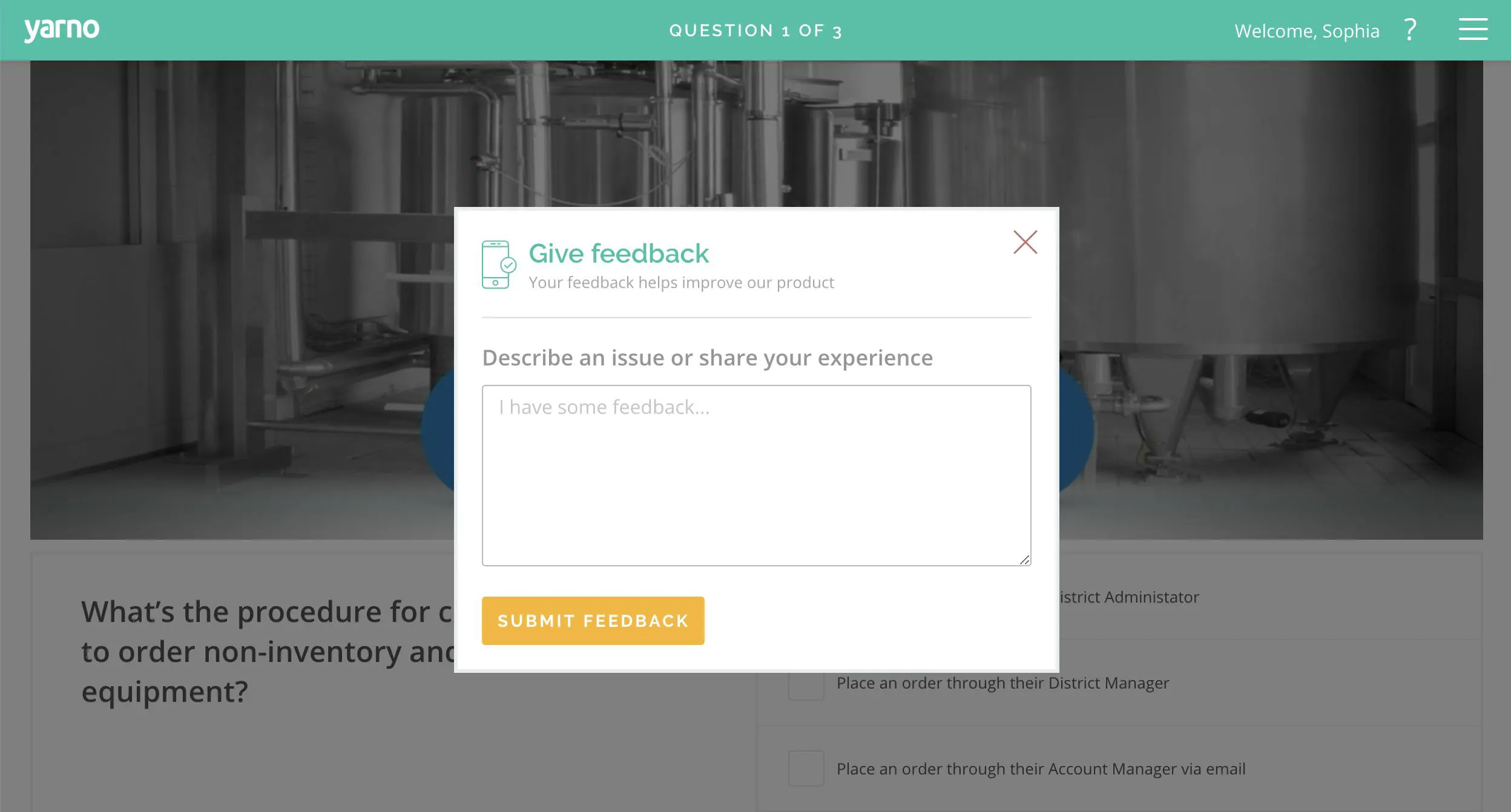
Learners can voice their thoughts on a specific Yarno question by selecting the 'GIVE FEEDBACK' button in the Yarno platform.
Here's how:
- Hover your mouse on the top right hand question mark symbol on the menu bar. This will show a drop down menu which you can then press 'Give Feedback'.

- Enter your feedback in the popup window. Click the orange 'Submit Feedback' button when you're done.
What happens to question feedback?
Question feedback is sent to the Yarno support team, who will forward it to a relevant admin from your company.
We really appreciate feedback, good or bad — it helps us to know what is or isn't working and how we can continue to improve our product and our content.