Change email address
In this article, we'll cover:
- How to change the email address associated with your Yarno profile
How to change the email address associated with a Yarno profile
Your email address is what Yarno uses to associate your profile with you.
The email address associated with your profile is set up by your Yarno Administrator (that is, the person within your company who administers Yarno).
Everyone who is part of Yarno (including Learners, Managers and Administrators) has a unique Yarno profile associated with their email address.
In the event you need to change or update your email address, you can do so by updating the email address in your PROFILE.
- Go to learn.yarno.com.au and sign in (Here's more information about how to sign in to Yarno)
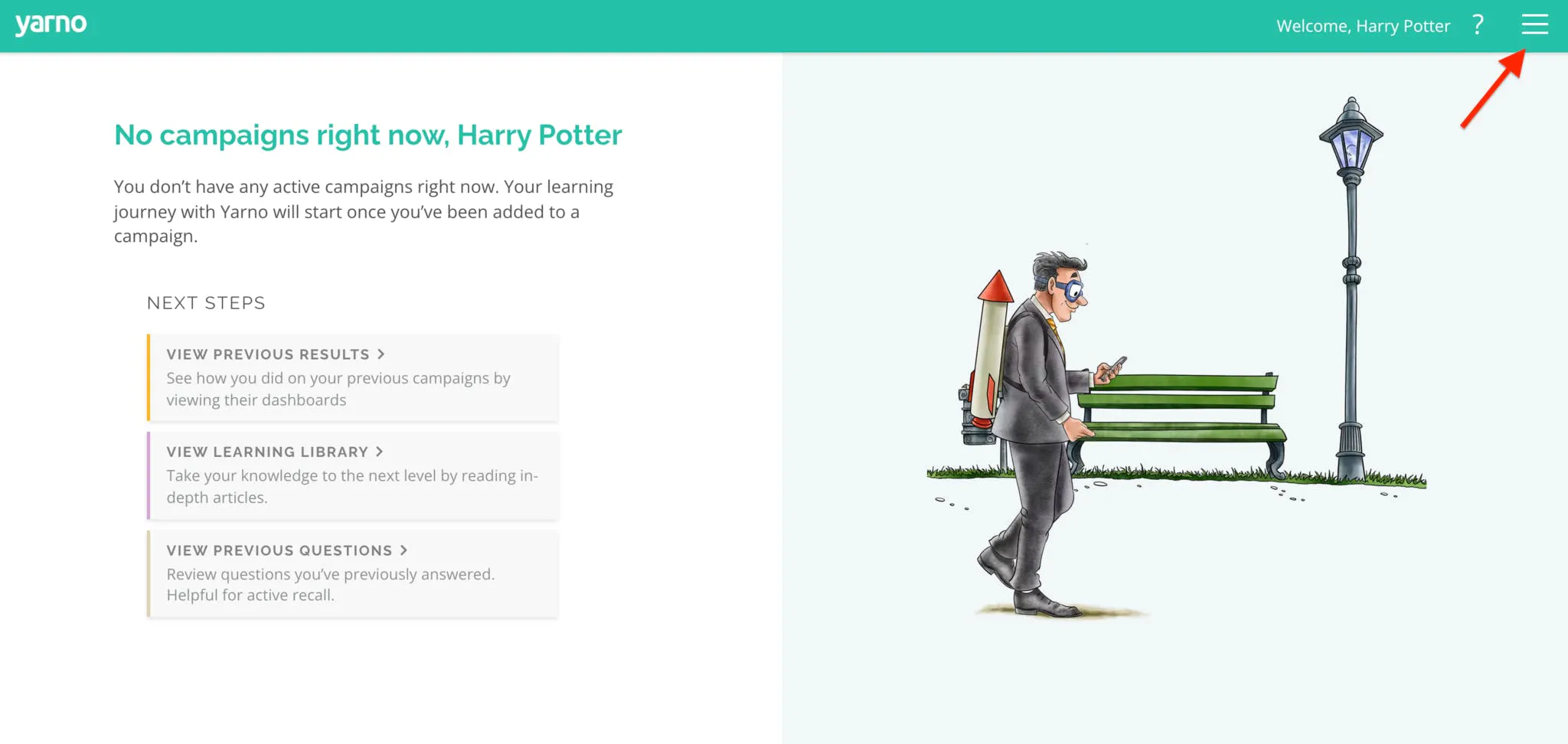
- Click the "hamburger" icon on the top right of the page.
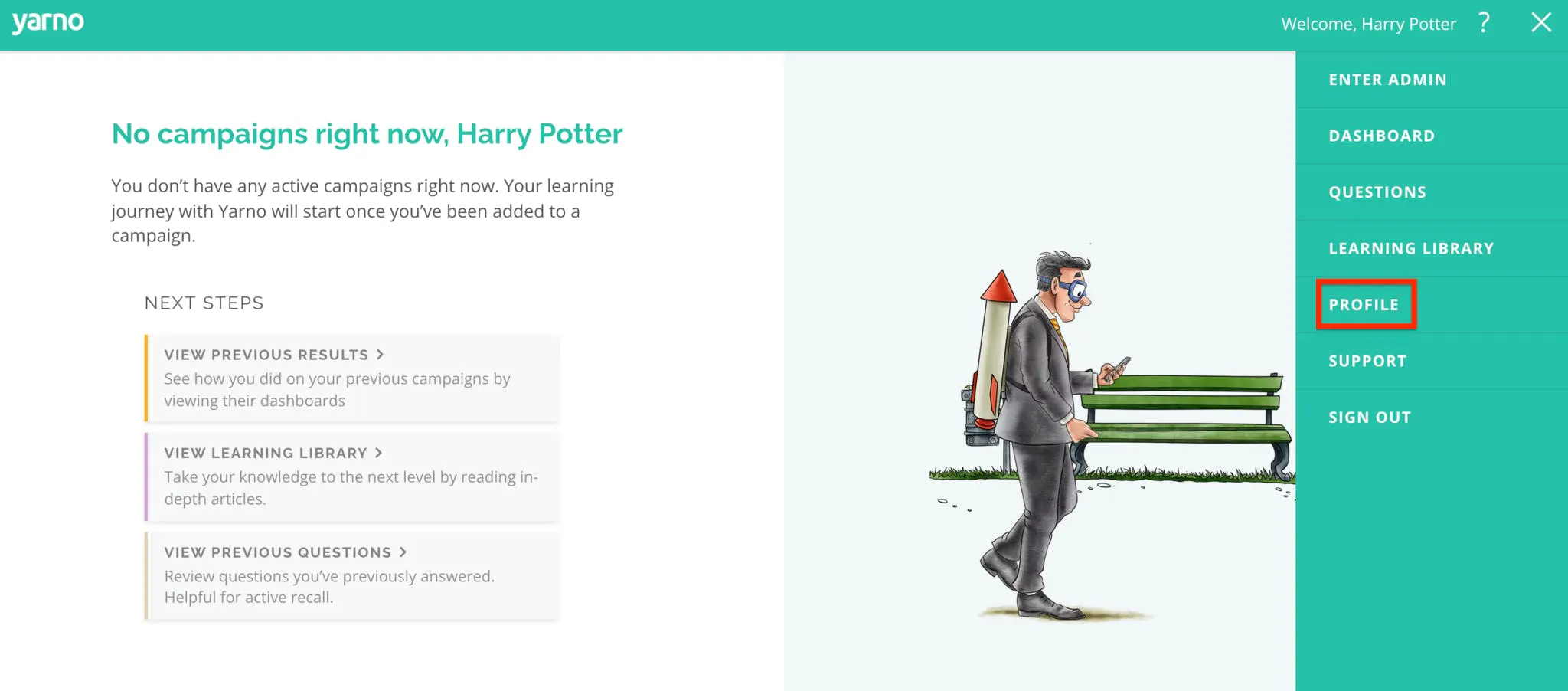
- Click on Profile
In this section, you change your email address, name, screen name and password. To learn more about snoozing your daily notifications, check out this article.
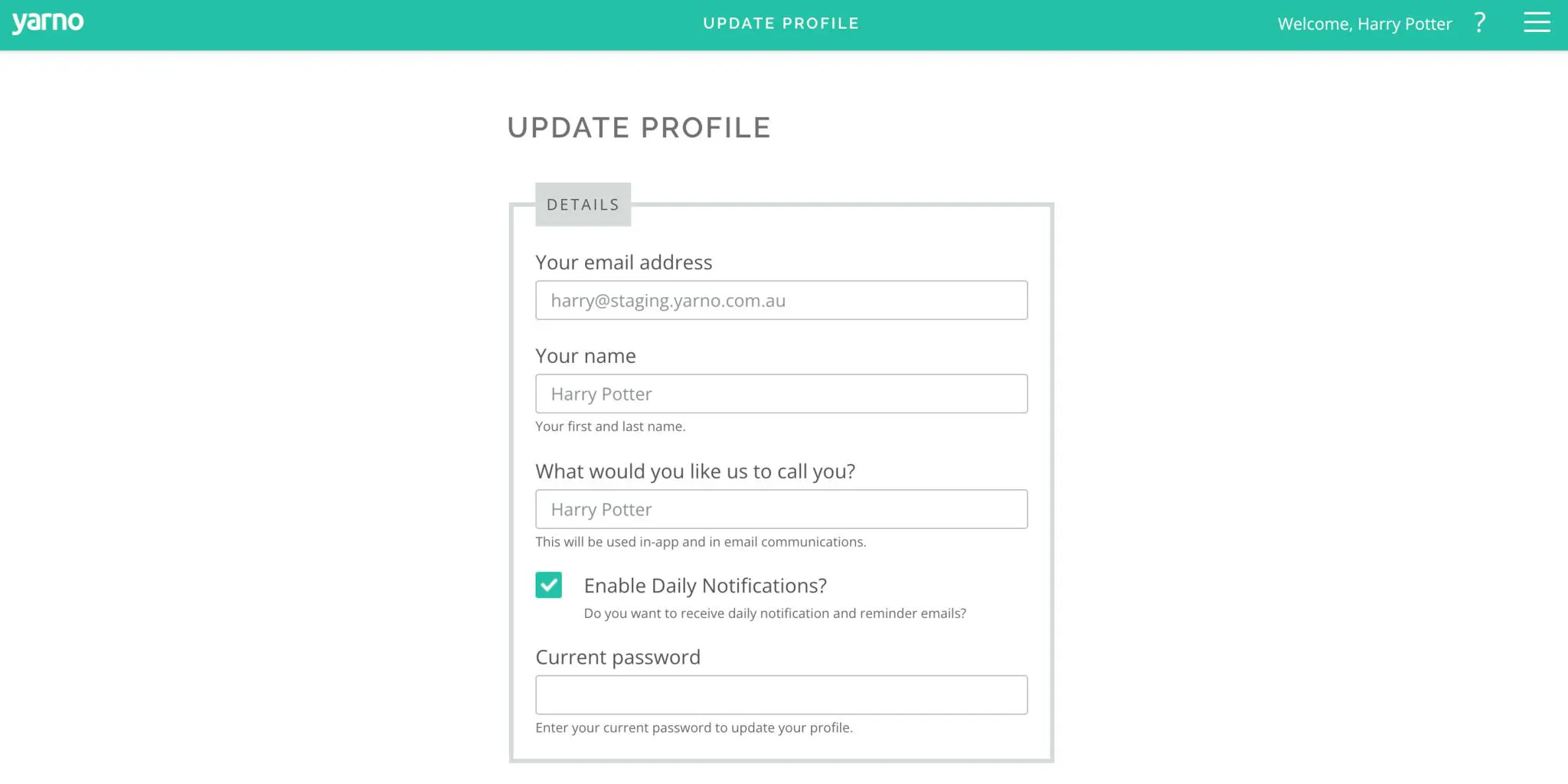
- Click on Update Profile at the bottom of the page and your changes will be made. Going forward, the updated email address will become the new address associated with your Profile.